THE STUDIO METHOD

Not another image generator. A better place to decide the thumbnail.

Use AI for production. Keep the creative decision in the workflow.

Create a thumbnail

Frame

54 WEEKS

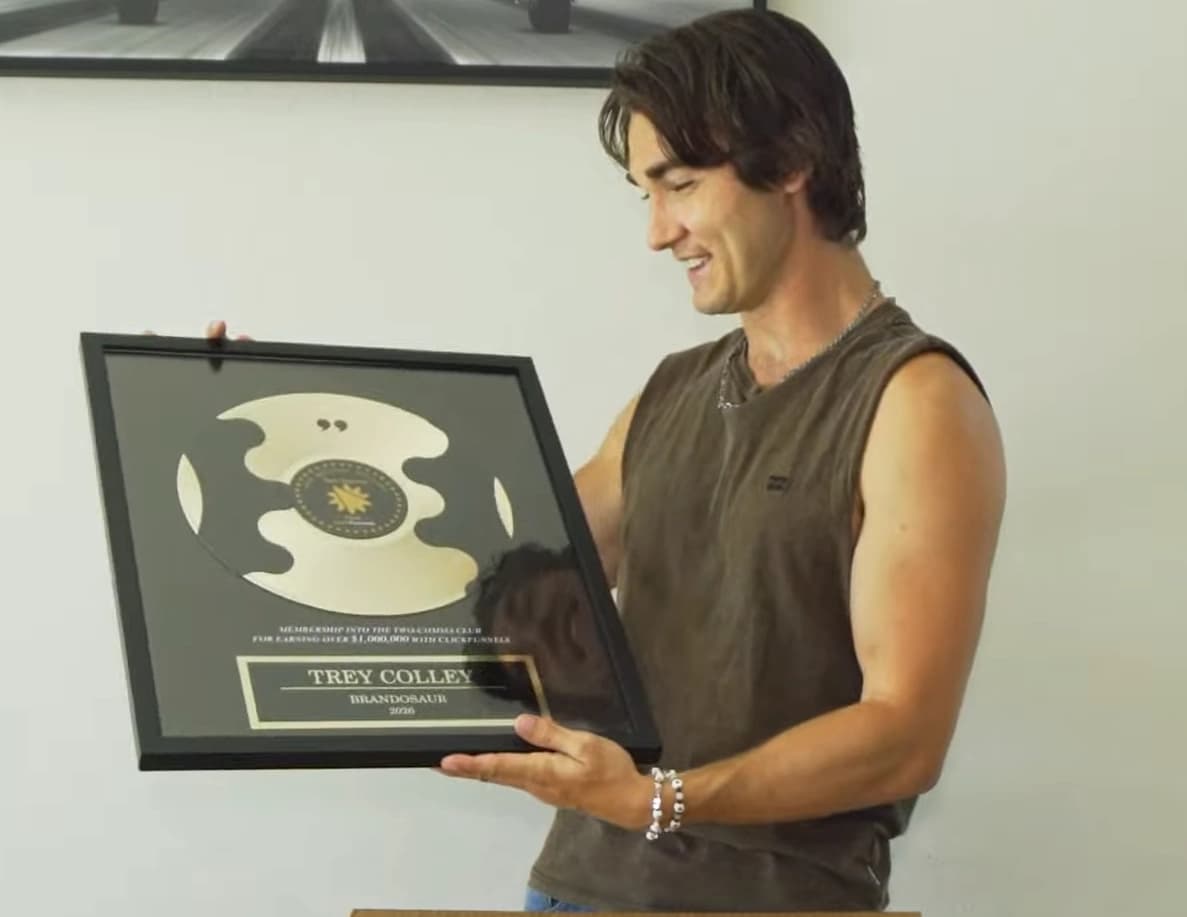
Source video frame for the 54 WEEKS thumbnail
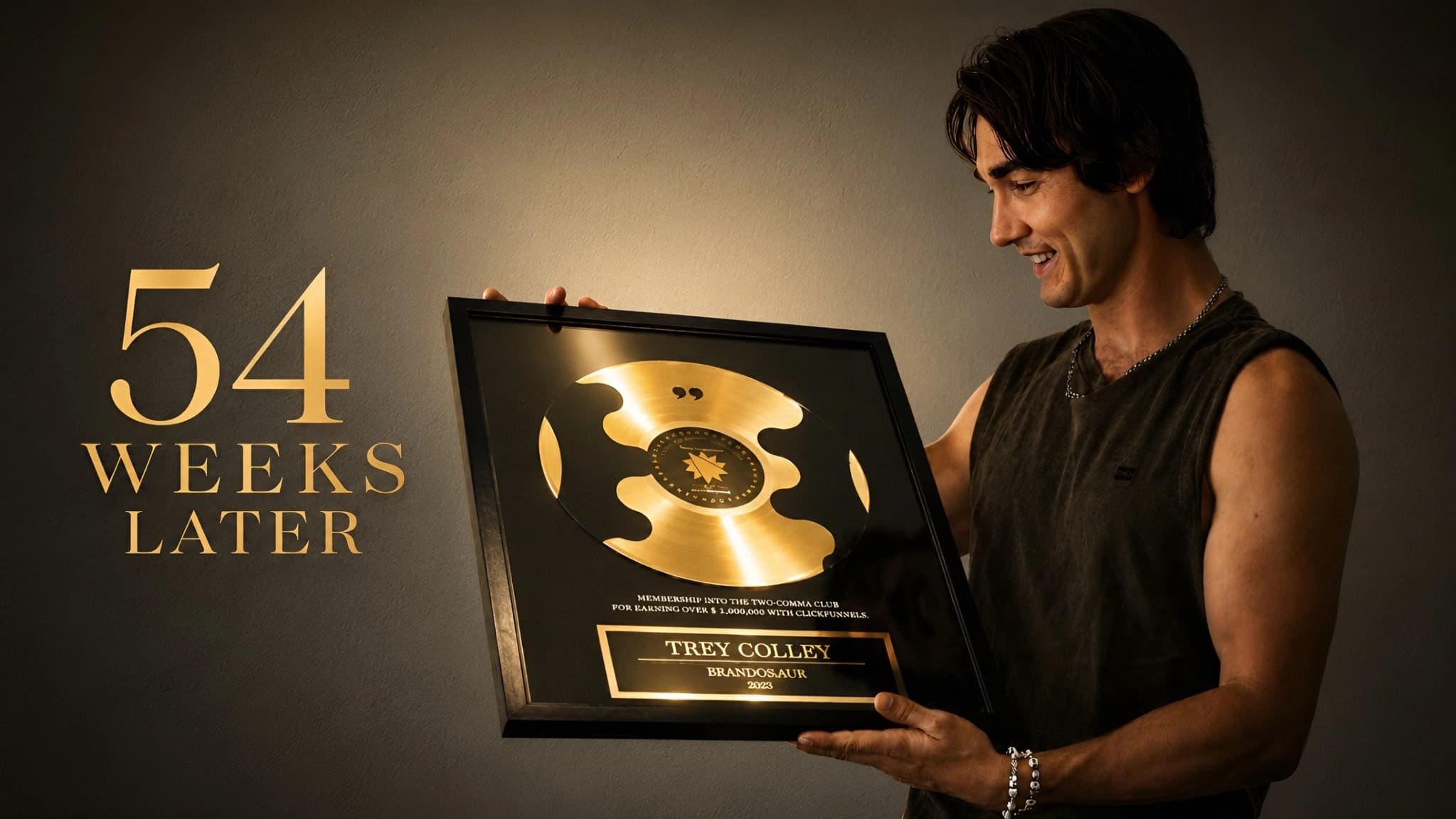
Generated 54 WEEKS YouTube thumbnail

WHY THIS WORKFLOW EXISTS

A thumbnail can be beautiful and still be the wrong thumbnail.

YourThumb moves the important decision earlier, when changing the idea is easy.

01

Context before prompt

The project starts with the video, frame, asset or reference—not an empty prompt box.

02

Direction before render

The hook, hierarchy and composition are decided before the final image is generated.

03

Approval before spend

A creative checkpoint gives you a chance to change the idea before committing to the render.

SELECTED WORK / 06 CASES
Six real projects.

01

54 WEEKS

Source video frame for the 54 WEEKS thumbnail
Generated 54 WEEKS YouTube thumbnail
02

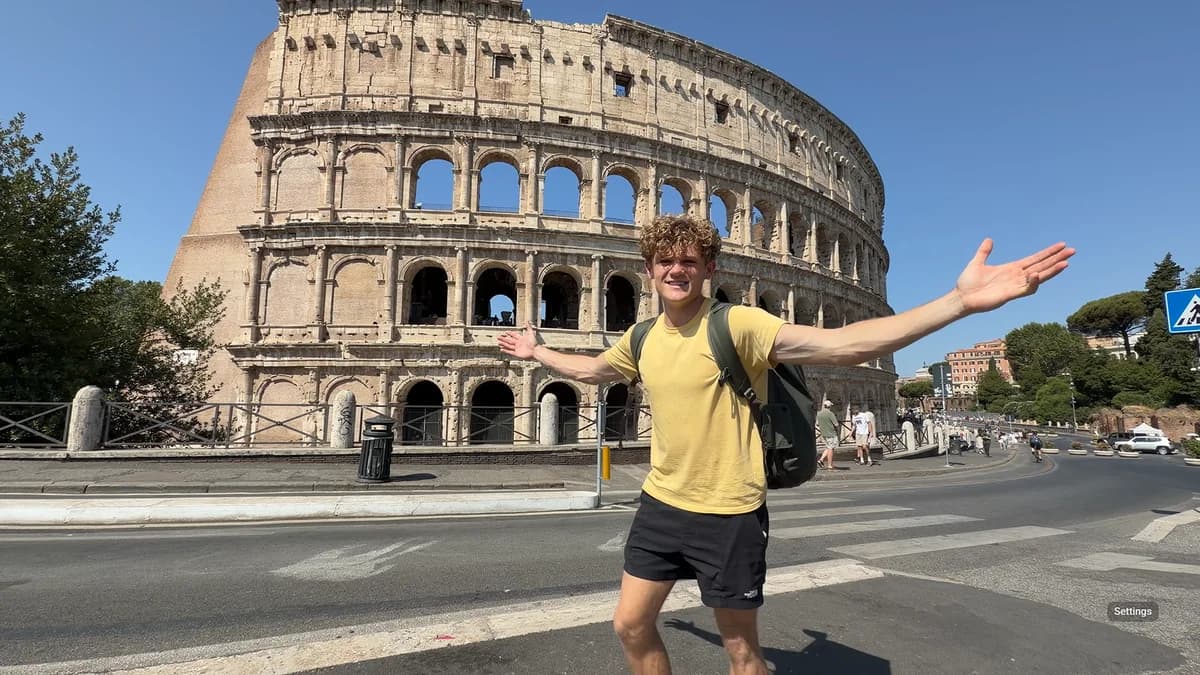
NEXT STOP?

Source travel frame at the Colosseum
Generated travel thumbnail with Next stop? and 13 countries
03

100 HOURS

Creator face asset supplied to the Asset workflow
Generated 100 HOURS challenge thumbnail
04

WHAT IS THIS?

Creator asset supplied to the Asset workflow
Generated spicy dessert thumbnail
05

CORE OF DEMOCRACY

Creator asset supplied to the Asset workflow
Generated Core of Democracy documentary thumbnail
06

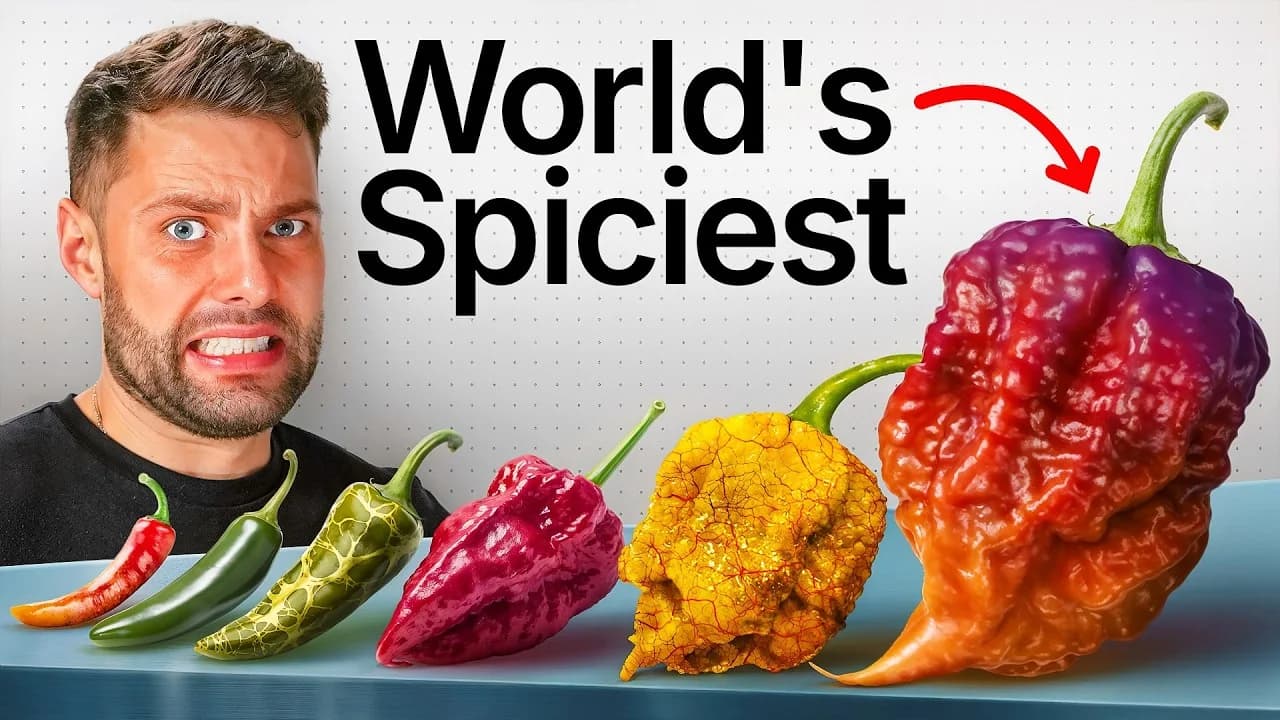
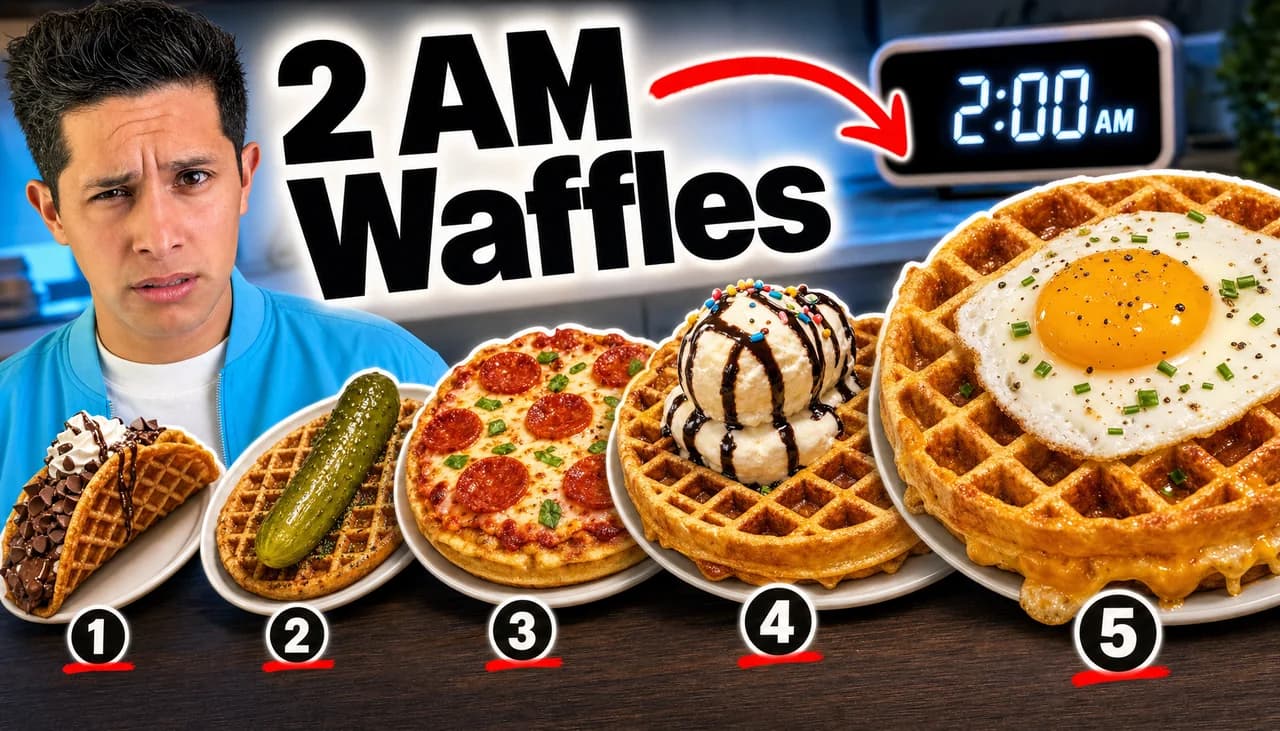
2AM WAFFLES

Reference thumbnail used for the Copycat workflow
Generated 2AM Waffles thumbnail rebuilt from the reference structure

Unofficial demo examples — not endorsements by the people or channels depicted.

REAL PROJECT LOGIC

The generator is downstream of the decision.

Frame, Asset and Copycat all reach the same creative checkpoint. The starting material changes; the studio logic stays consistent.

01

INPUT

02

IDEA

03

CHECK

04

RENDER

Don't render the wrong idea beautifully.

FAQ

Before you open the studio.

What makes YourThumb different from a basic AI image generator?

YourThumb is focused on YouTube packaging. The workflow develops thumbnail direction first, then gives you a creative checkpoint before the final render.

Can I use a screenshot from my video?

Yes. Frame is built around authentic moments from your video.

Can I provide a reference thumbnail?

Yes. Copycat uses a reference for structural inspiration while your own story drives the direction.

Can I edit the result later?

Yes. YourThumb can continue to Canva for editing when that option is available for your account.

YOUR NEXT THUMBNAIL

Use AI to make the image. Use the studio to make the decision.

Enter YourThumb